
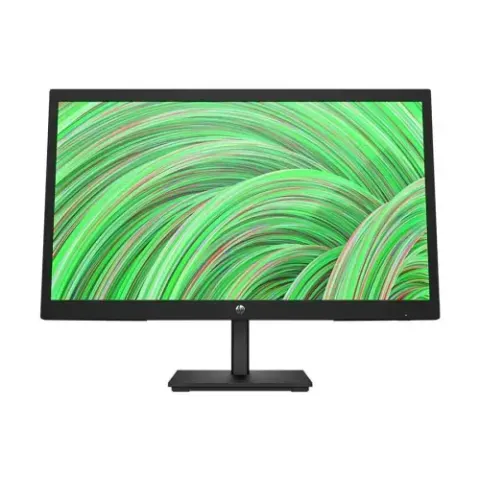
Monitors in Bangladesh
- Cash on deliveryPay when your parcel arrives
- 7-day exchangeWrong size or fit? We swap it
Products


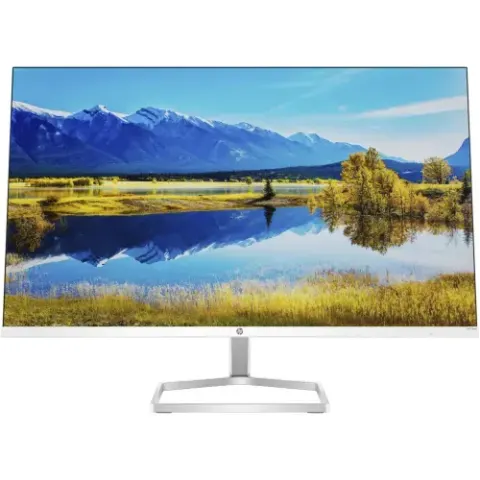


Monitors
Gigabyte G27QC 27 Inch 165Hz QHD Curved Adaptive-Sync Gaming Monitor
৳37,490
was ৳43,400(14% OFF)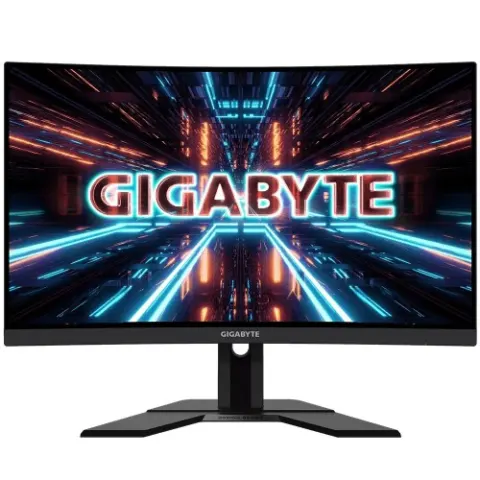

Monitors
Gigabyte G27F-EK 27 inch IPS 144 Hz Adaptive-Sync Gaming Monitor
৳30,500
was ৳31,300(3% OFF)

Monitors
Gigabyte AORUS CO49DQ 49 Inch 5K QLED Curved 144 Hz Gaming Monitor
৳1,84,990
was ৳1,98,900(7% OFF)
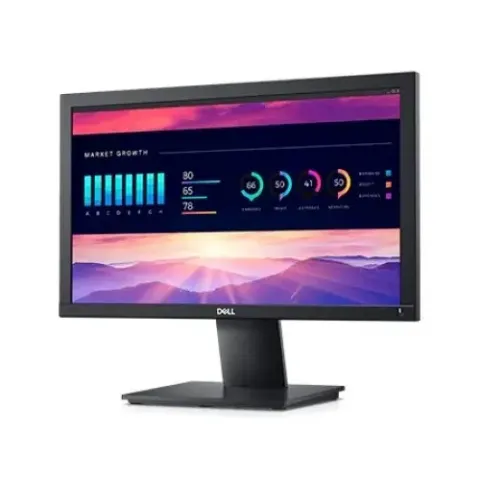





Monitors
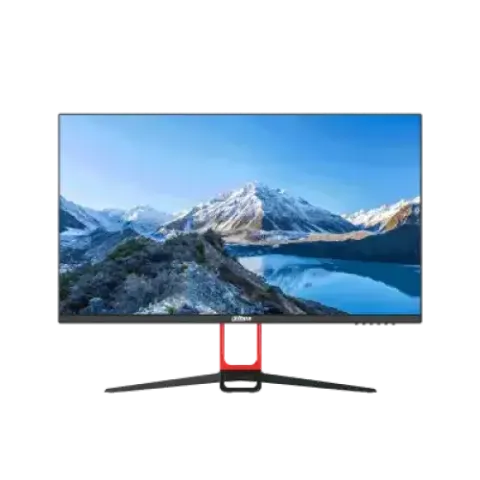
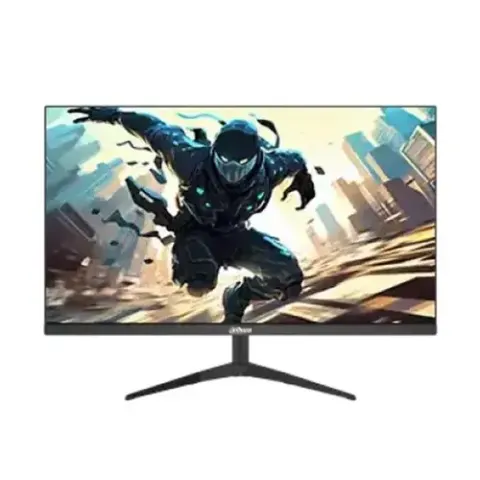
Corsair XENEON 27QHD240 27-Inch OLED 240Hz WQHD Gaming Monitor
৳1,10,000
was ৳1,57,000(30% OFF)
Monitors
BenQ RP7502 75 inch Class 4K UHD Corporate Digital Touchscreen Interactive Whiteboard
৳5,10,000
was ৳5,51,180(7% OFF)
Monitors
BenQ RM6502S 65'' UHD Education Interactive Flat Panel Display
৳3,50,000
was ৳3,75,000(7% OFF)



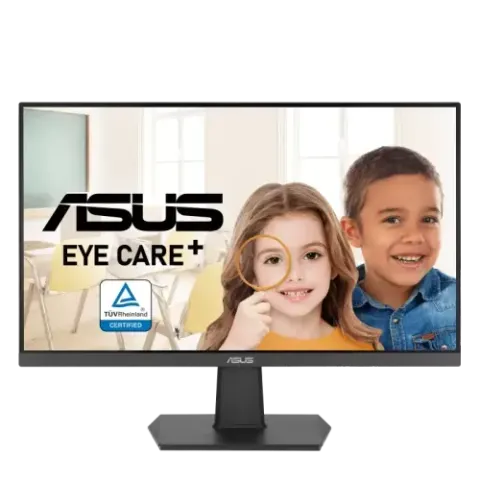


Monitors
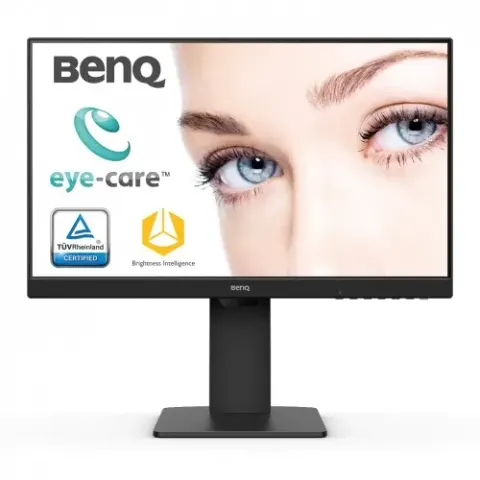
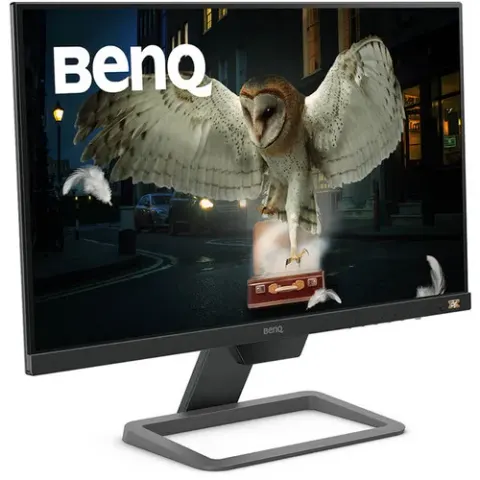
Asus TUF VG249Q1R 23.8 inch 144Hz-Overclockable 165Hz Full HD IPS LED Gaming Monitor
৳24,900
was ৳26,500(6% OFF)
Monitors
Asus TUF VG249Q1A 23.8 inch 165Hz Full HD IPS LED Gaming Monitor
৳27,000
was ৳28,000(4% OFF)


A monitor decides how comfortable your computer is to use every day. Monitors in Bangladesh are available in office, gaming, curved, ultrawide and colour-accurate designer versions. Compare size, panel type, resolution and refresh rate on ShopeMart, and order with cash on delivery to Dhaka, Chattogram or anywhere else in the country.
Panel types explained
- IPS: wide viewing angles and good colour, the best all-round choice for office, study and design.
- VA: deeper blacks and higher contrast, popular in curved gaming and media monitors, though some are slower in dark scenes.
- TN: very fast and inexpensive, but colours and angles are weaker.
- OLED: perfect blacks and fast response, with a premium feel; avoid leaving static images on screen for hours.
Size and resolution
For a normal desk, 24 inch at Full HD (1920x1080) is sharp and affordable. 27 inch looks best at QHD (2560x1440), because Full HD stretches thinner pixels on a larger screen. 4K (3840x2160) suits video editing, photo work and sharp text, but needs a capable graphics card and a computer with a matching output. Ultrawide 34 inch screens help traders, editors and anyone who keeps many windows side by side.
Refresh rate for gaming
- 60Hz and 75Hz: fine for office, study and casual games.
- 120Hz to 165Hz: visibly smoother motion in shooters and racing games, and a good target for most gamers.
- 240Hz and above: for competitive esports players with a powerful PC to produce those frames.
Also check response time and adaptive sync (FreeSync or G-Sync compatible) to reduce screen tearing.
Ports and extras
Look for HDMI and DisplayPort for your graphics card, and USB-C if you want to connect a laptop with a single cable. VESA mount holes let you fit a monitor arm to free desk space. For long working hours, choose a flicker-free, low blue light mode and a stand that tilts or adjusts height.
Buying checklist
Monitors in Bangladesh differ a lot in panel and ports, so match the monitor to your computer's output ports and graphics card. Read the specifications for brightness, colour coverage and included cables. When you receive your monitor, switch it on before the delivery person leaves and check the screen for dead pixels and light bleed.
Frequently asked questions
Which monitor size is best for office work?
24 inch is the most popular choice for office and study. If you work with two documents side by side, 27 inch at QHD gives more room.
IPS or VA: which is better?
IPS is better for colour and wide angles, while VA offers stronger contrast. For design and mixed use, IPS is usually the safer pick.
Do I need a 144Hz monitor for gaming?
It is not required, but 144Hz feels noticeably smoother in fast games. You also need a graphics card and cable that can output those frames.
Is a 4K monitor worth it?
It is worth it for editing, design and sharp text at larger sizes. For gaming it demands a powerful graphics card, so 1440p is often a better balance.
Which cable should I use, HDMI or DisplayPort?
Use DisplayPort for high refresh rates on PC if both ports exist. HDMI works well for office and TV-style use; check the version for 144Hz or 4K.
বাংলায় জেনে নিন
অফিস, গেমিং ও ডিজাইনের জন্য মনিটর কিনুন। প্যানেলের ধরন, সাইজ, রেজোলিউশন ও রিফ্রেশ রেট দেখে বেছে নিন। অর্ডার করুন ক্যাশ অন ডেলিভারিতে, আর ডেলিভারির সময় স্ক্রিন চালিয়ে দেখে নিন।